
介绍
Slidev 是基于 Web 的幻灯片制作和演示工具。它旨在让开发者专注在 Markdown 中编写内容,同时拥有支持 HTML 和 Vue 组件的能力,并且能够呈现像素级完美的布局,还在你的演讲稿中内置了互动的演示样例。
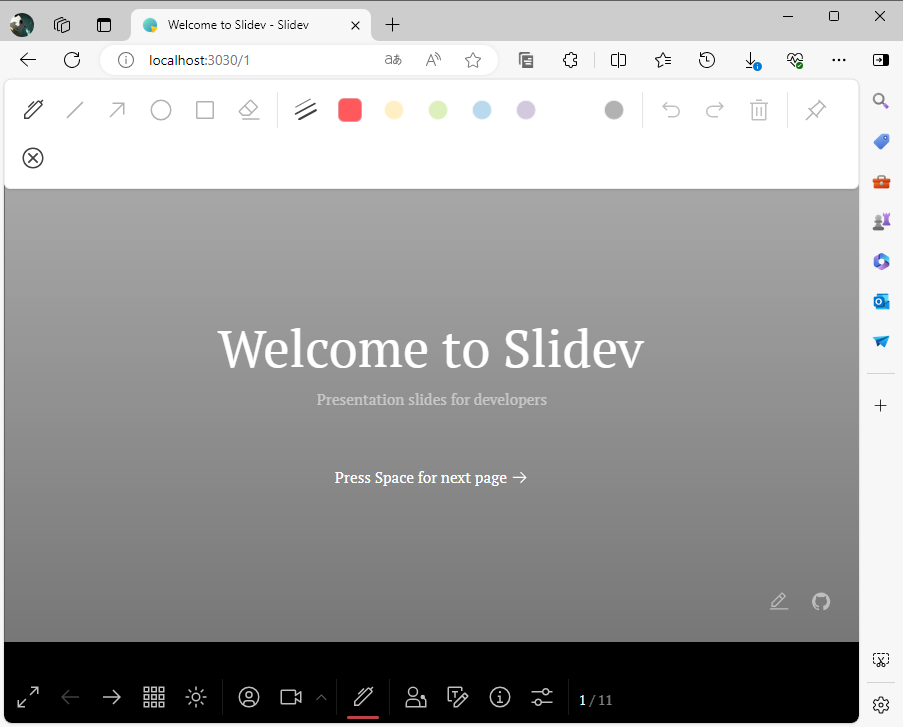
命令行
Terminal
$npm i -g @slidev/cli# 低版本的 nodejs 需要升级
$slidev# 以当前目录当作项目路径,启动 slidev
●■▲
Slidev v0.49.9 (global)
theme @slidev/theme-seriph
css engine unocss
entry E:\workspace\slidev\slides.md # 编写 slidev 的 markdown 文件
# 预览服务
public slide show > http://localhost:3030/ # 展示主页
presenter mode > http://localhost:3030/presenter/ # 演讲者模式
slides overview > http://localhost:3030/overview/
remote control > pass --remote to enable
shortcuts > restart | open | edit | quit
Markdown
分页
# Slidev

Hello, World!

--- <!-- 分页符号 -->

# Page 2

content ....
# Slidev
Hello, World!
--- <!-- 分页符号 -->
# Page 2
content ....
front matter
扉页块 front matter 遵从 YAML 语法,可以在 Slidev 幻灯片扉页处(文件顶部)进行 各项配置
。
<!-- 利用一对 `---` 可以设置扉页块 (front matter) 进行分页,通过扉页块可以对当前页进行设置 -->
---
layout: cover
---


# page 1

This is the cover page.

---

<!-- 直接使用 yaml 代码块来定义扉页 -->
\`\`\`yaml
layout: center
background: './images/background-1.png'
class: 'text-white'
\`\`\`

# page 2

content ...
<!-- 利用一对 `---` 可以设置扉页块 (front matter) 进行分页,通过扉页块可以对当前页进行设置 -->
---
layout: cover
---
# page 1
This is the cover page.
---
<!-- 直接使用 yaml 代码块来定义扉页 -->
\`\`\`yaml
layout: center
background: './images/background-1.png'
class: 'text-white'
\`\`\`
# page 2
content ...
代码块
基本设置
<!--
    {2,3|5|all}: 指定高亮行; | 多处行高亮
    lineNumbers: 显示行号
    startLine: 行号的起始
    maxHeight: 设置最大展示区域,实现滚动
-->
\`\`\`ts{2,3|5|all}{lineNumbers: true, startLine:5,maxHeight:'100px'}
function add(
  a: Ref<number> | number,
  b: Ref<number> | number
) {
  return computed(() => unref(a) + unref(b))
}
\`\`\`
<!--
{2,3|5|all}: 指定高亮行; | 多处行高亮
lineNumbers: 显示行号
startLine: 行号的起始
maxHeight: 设置最大展示区域,实现滚动
-->
\`\`\`ts{2,3|5|all}{lineNumbers: true, startLine:5,maxHeight:'100px'}
function add(
a: Ref<number> | number,
b: Ref<number> | number
) {
return computed(() => unref(a) + unref(b))
}
\`\`\`
过度动画
为代码块切换,添加过度动画
\`\`\`\`md magic-move

\`\`\`js
console.log(`Step ${1}`)
\`\`\`

代码块之间的内容会被当作注释忽略

\`\`\`js
console.log(`Step ${1 + 1}`)
\`\`\`

\`\`\`js
console.log(`Step ${3}` as string)
\`\`\`

\`\`\`\`
\`\`\`\`md magic-move
\`\`\`js
console.log(`Step ${1}`)
\`\`\`
代码块之间的内容会被当作注释忽略
\`\`\`js
console.log(`Step ${1 + 1}`)
\`\`\`
\`\`\`js
console.log(`Step ${3}` as string)
\`\`\`
\`\`\`\`
Monaco
- 添加
<!-- 为代码块添加编辑器 -->
\`\`\`ts {monaco}
console.log('HelloWorld')
\`\`\`
<!-- 为代码块添加编辑器 -->
\`\`\`ts {monaco}
console.log('HelloWorld')
\`\`\`
- diff
\`\`\`ts {monaco-diff}

console.log('Original text')

// 分割需要比对的两个代码块
~~~

console.log('Modified text')

\`\`\`
\`\`\`ts {monaco-diff}
console.log('Original text')
// 分割需要比对的两个代码块
~~~
console.log('Modified text')
\`\`\`
- 运行
slidev 原生支持 javascript/typescript 的运行,其他语言需要自定义 Custom Code Runners
\`\`\`ts {monaco-run} {autorun:false}
function distance(x: number, y: number) {
  return Math.sqrt(x ** 2 + y ** 2)
}
console.log(distance(3, 4))
\`\`\`
\`\`\`ts {monaco-run} {autorun:false}
function distance(x: number, y: number) {
return Math.sqrt(x ** 2 + y ** 2)
}
console.log(distance(3, 4))
\`\`\`
备注
---
layout: cover
---

# 第 1 页

This is the cover page.

<!-- 这是一条备注 -->

---

# 第 2 页

<!-- 这不是一条备注,因为它在幻灯片内容前 -->

The second page

<!-- 这是另一条备注 -->
---
layout: cover
---
# 第 1 页
This is the cover page.
<!-- 这是一条备注 -->
---
# 第 2 页
<!-- 这不是一条备注,因为它在幻灯片内容前 -->
The second page
<!-- 这是另一条备注 -->
图表
\`\`\`mermaid
sequenceDiagram
  Alice->John: Hello John, how are you?
  Note over Alice,John: A typical interaction
\`\`\`
\`\`\`mermaid
sequenceDiagram
Alice->John: Hello John, how are you?
Note over Alice,John: A typical interaction
\`\`\`
布局
- 具名插槽
---
layout: two-cols # 划分两列
---

<!-- 左 -->
<template v-slot:default>

# Left

This shows on the left

</template>

<!-- 右 -->
<template v-slot:right>

# Right

This shows on the right

</template>
---
layout: two-cols # 划分两列
---
<!-- 左 -->
<template v-slot:default>
# Left
This shows on the left
</template>
<!-- 右 -->
<template v-slot:right>
# Right
This shows on the right
</template>
- slidev语法
---
layout: two-cols
---

::right::

# Right

This shows on the right

::default::

# Left

This shows on the left
---
layout: two-cols
---
::right::
# Right
This shows on the right
::default::
# Left
This shows on the left
多文件
<!-- slides.md 是默认主入口-->

# Page 1

This is a normal page

---
src: ./subpage2.md # 下一页将从 subpage2.md 开始
---

<!-- this page will be loaded from './subpage2.md' -->
Inline content will be ignored
<!-- slides.md 是默认主入口-->
# Page 1
This is a normal page
---
src: ./subpage2.md # 下一页将从 subpage2.md 开始
---
<!-- this page will be loaded from './subpage2.md' -->
Inline content will be ignored